
Pay online quickly and easily using our online form.
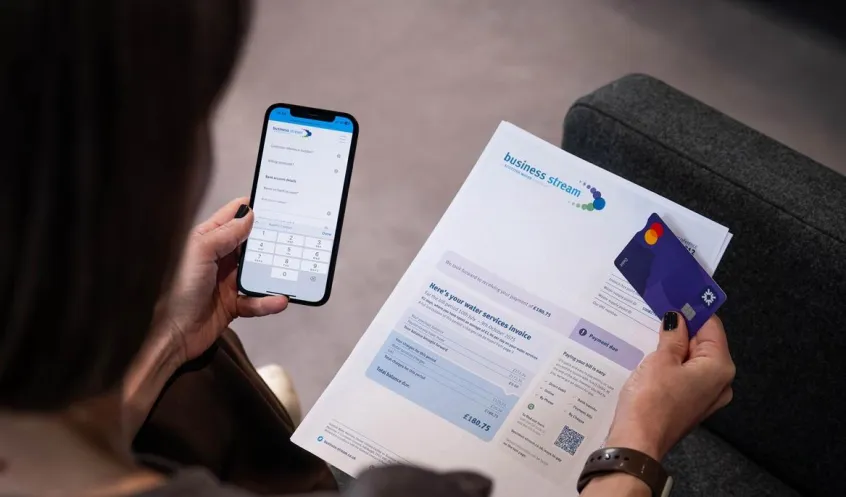
Pay over the phone
Simply call 0330 123 2000 and follow the prompts to pay by debit or credit card using our automated service. You’ll need your customer reference number, found at the top right of your bill, and the postcode of your billing address.
Alternatively, you can pay over the phone by speaking to one of our friendly advisers. We’re available Monday to Friday, 9.00am to 5.00pm.

By internet banking or BACS
If you’re paying a bill for one account, please quote your customer reference number in the payment description.
If you’re paying a bill which covers multiple accounts, please complete our remittance form here. Alternatively, you can send your remittance to cashiers@business-stream.co.uk quoting your business name and customer account number in the subject line of your email.
Our bank details are:
Sort code: 30-00-02
Account number: 03029919
Account name: Business Stream
At the bank or by cheque
Complete the Girobank slip attached to your bill and take the whole bill with you to the bank to pay by bank transfer, cash or cheque. Please be sure to write your customer reference number on the back of your cheque.
You can also send a cheque to: Business Stream, PO Box 17381, Edinburgh, EH12 1GT